Stop telling your coding agent to ‘make it modern.’
Pick a system. Paste the prompt. Ship something intentional.
Full-Page Templates
 Portfolio
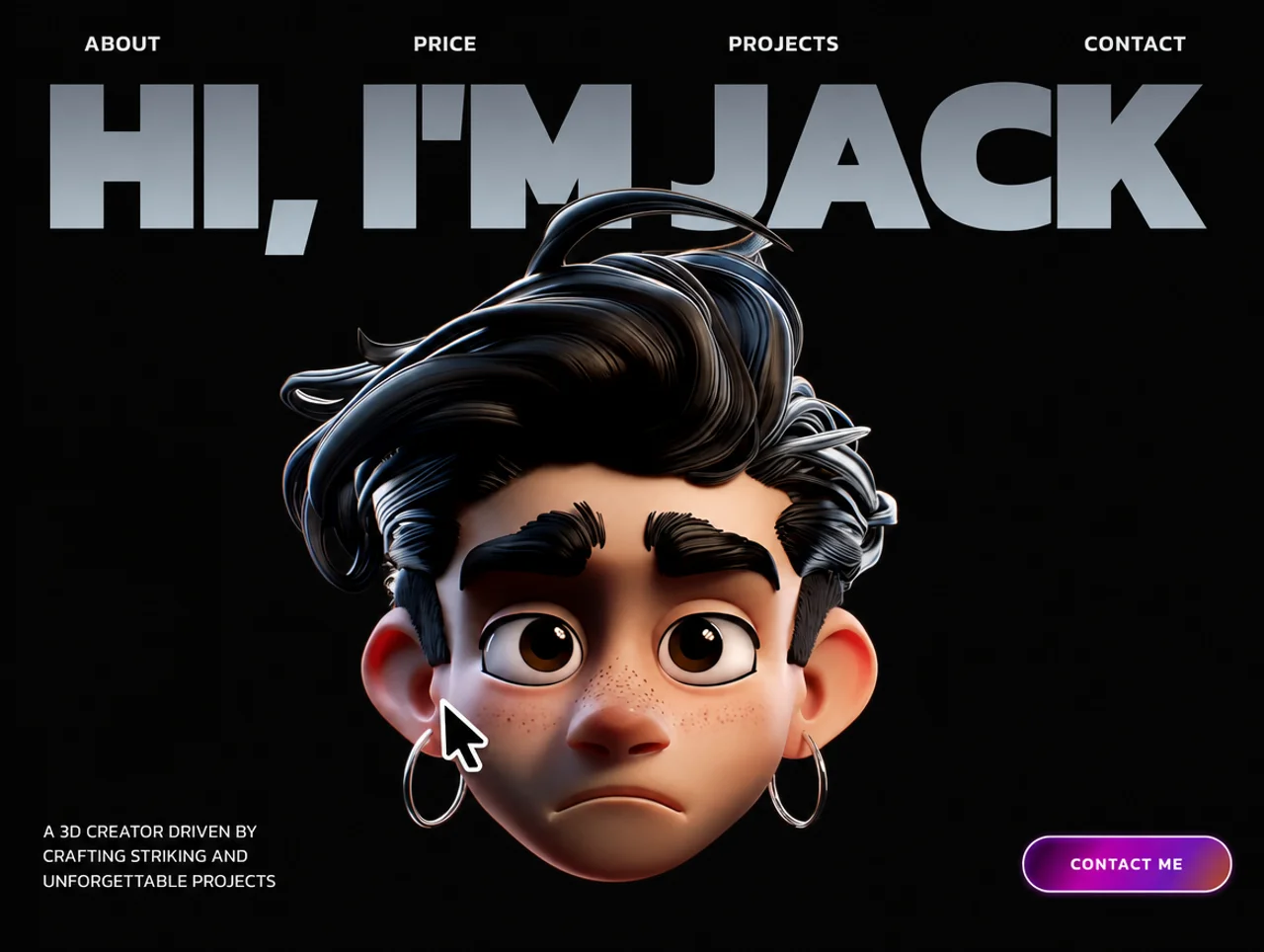
Jack — 3D Creator Portfolio
Dark 3D-creator portfolio with a magnetic hero portrait, a dual-row scroll marquee and sticky stacking project cards.
 Agency
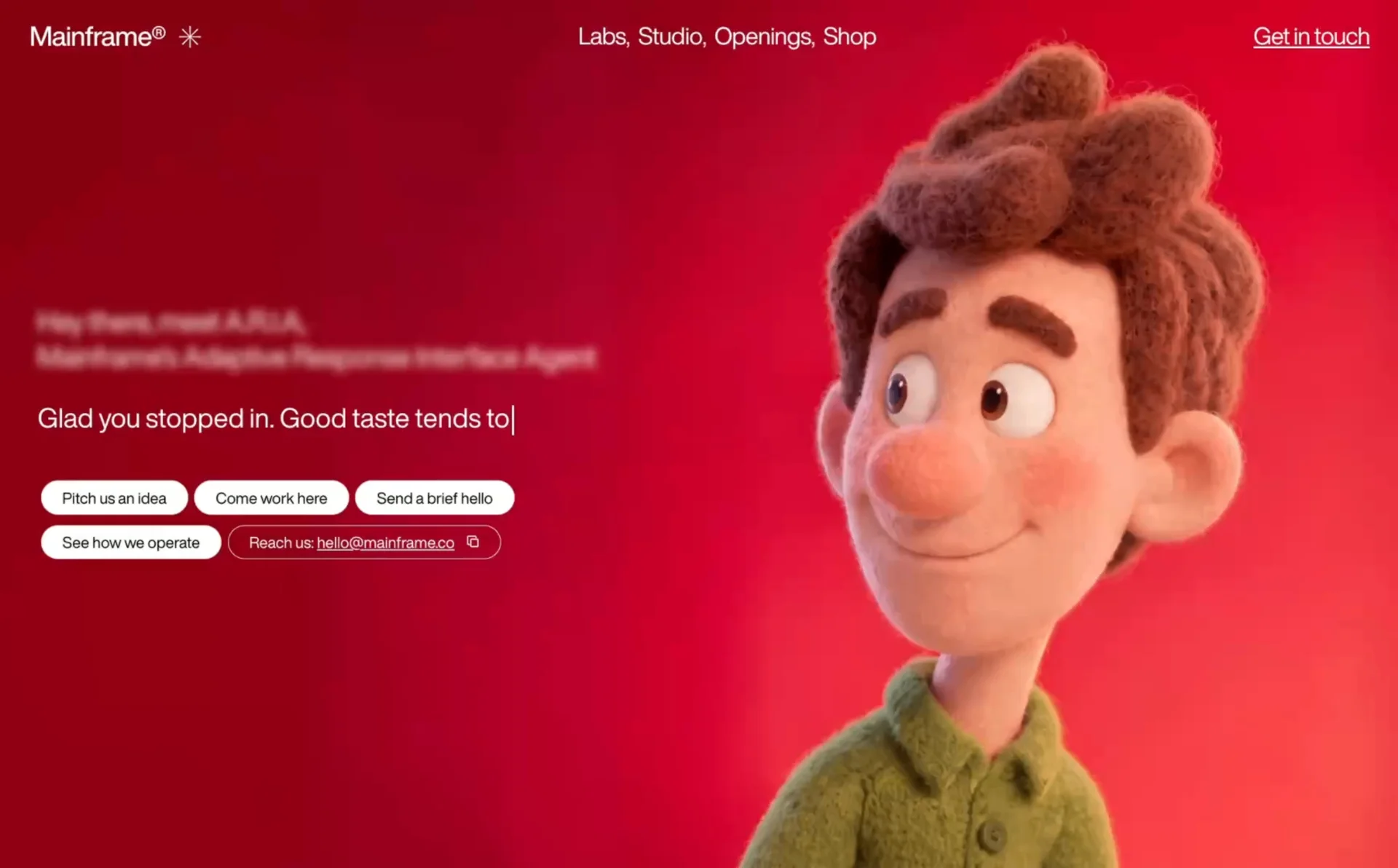
Mainframe — Agency Hero
Full-screen agency hero with a mouse-scrub-controlled background video, typewriter copy and a row of pill CTAs.
 Editorial
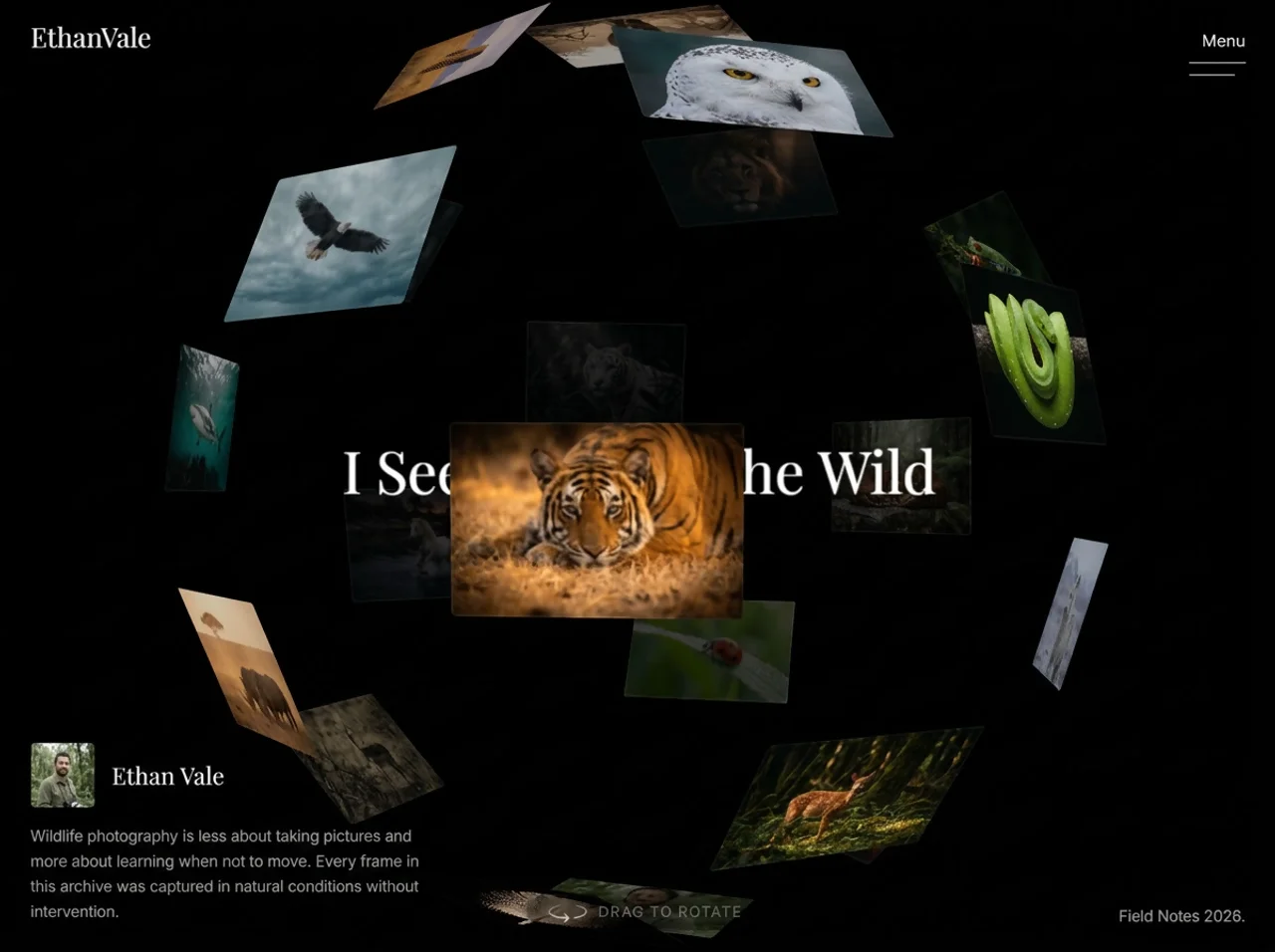
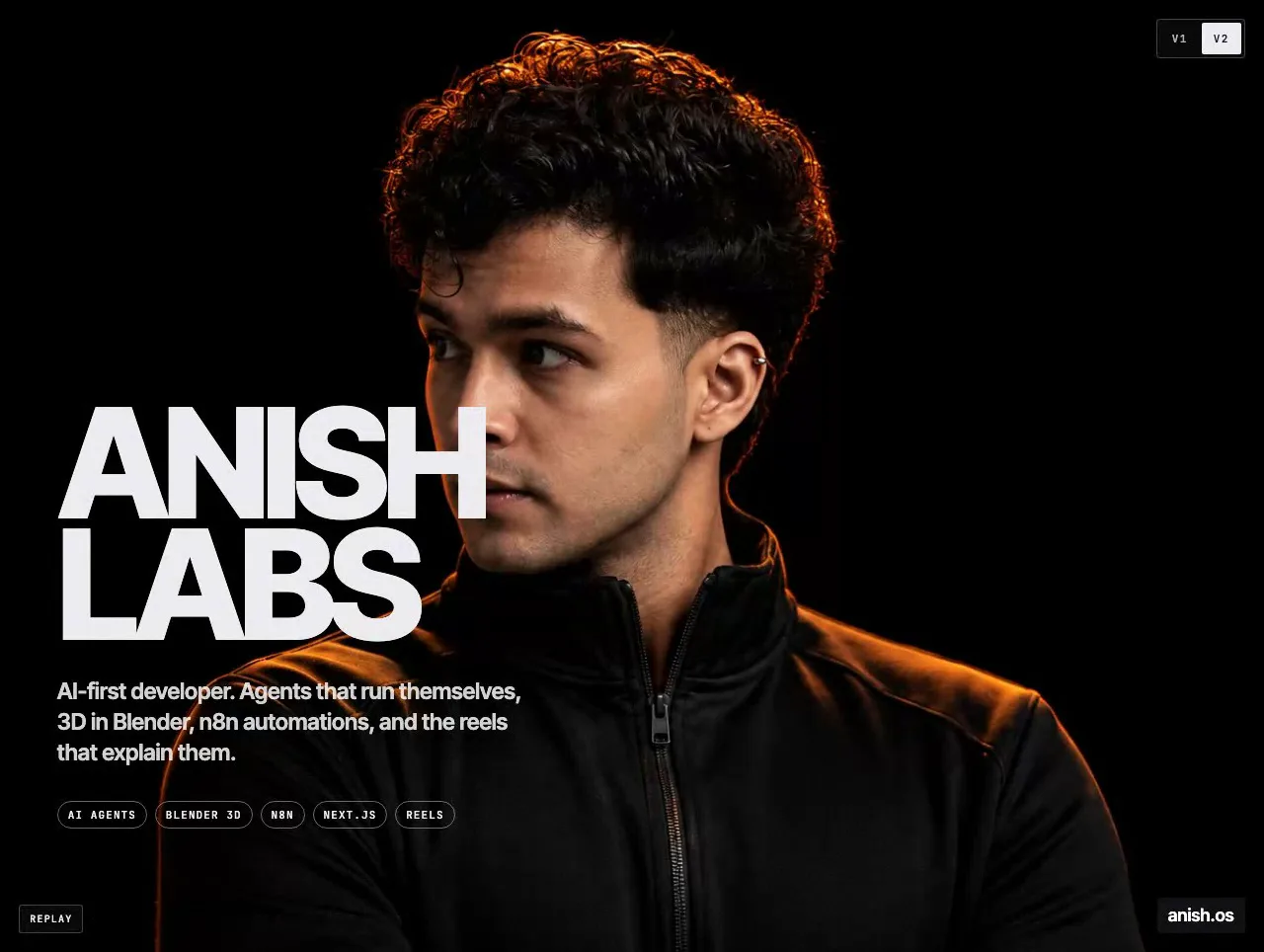
Ethan Vale — Nature Archive
Single-file wildlife-photography archive built around a drag-to-rotate 3D photo sphere with a FLIP-animated lightbox.
 Portfolio
Orbit Carousel — Curved Film-Strip Ring
A photo strip that curls into a bending WebGL ring, spins, then folds into a full-screen portrait reveal.
 Agency
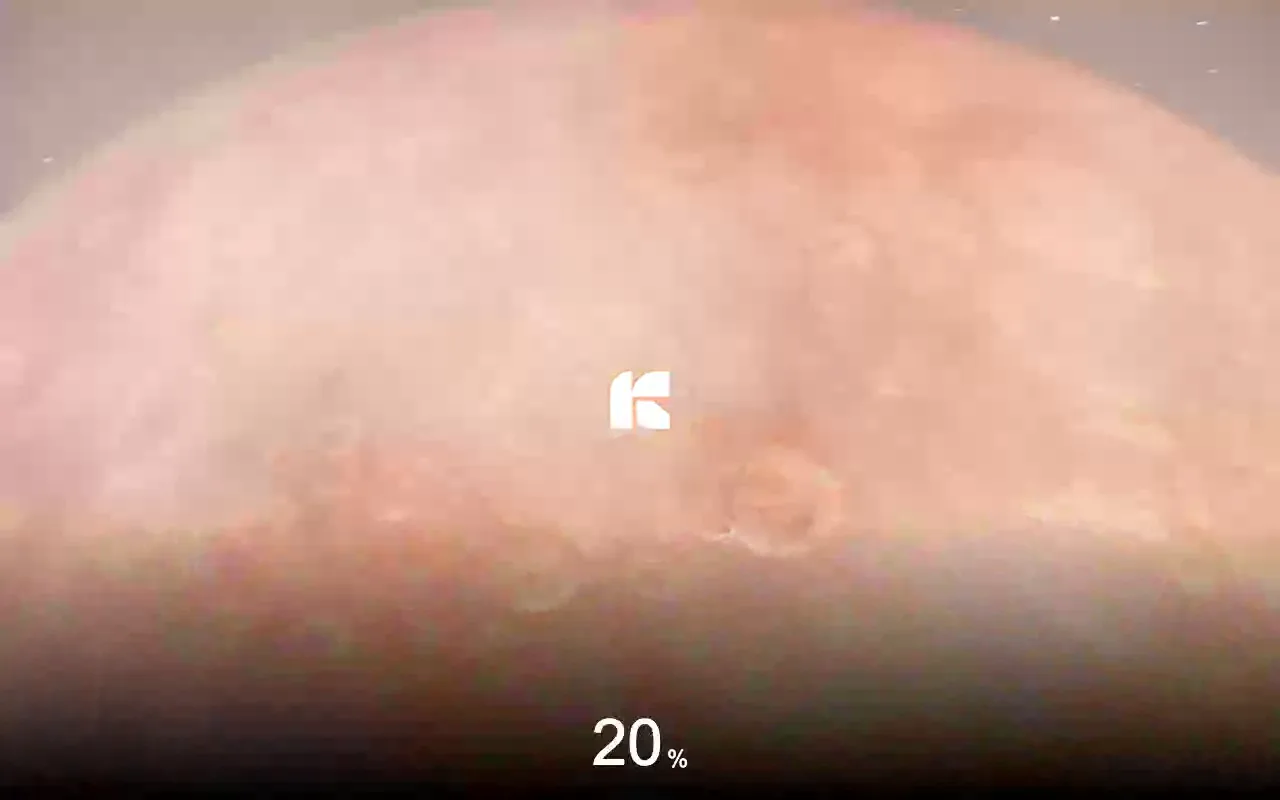
Planet Jumping — Portal Window Travel
A full-screen space landing page where a tilting portal window plays a travel video and swaps you onto the next planet.
 Portfolio
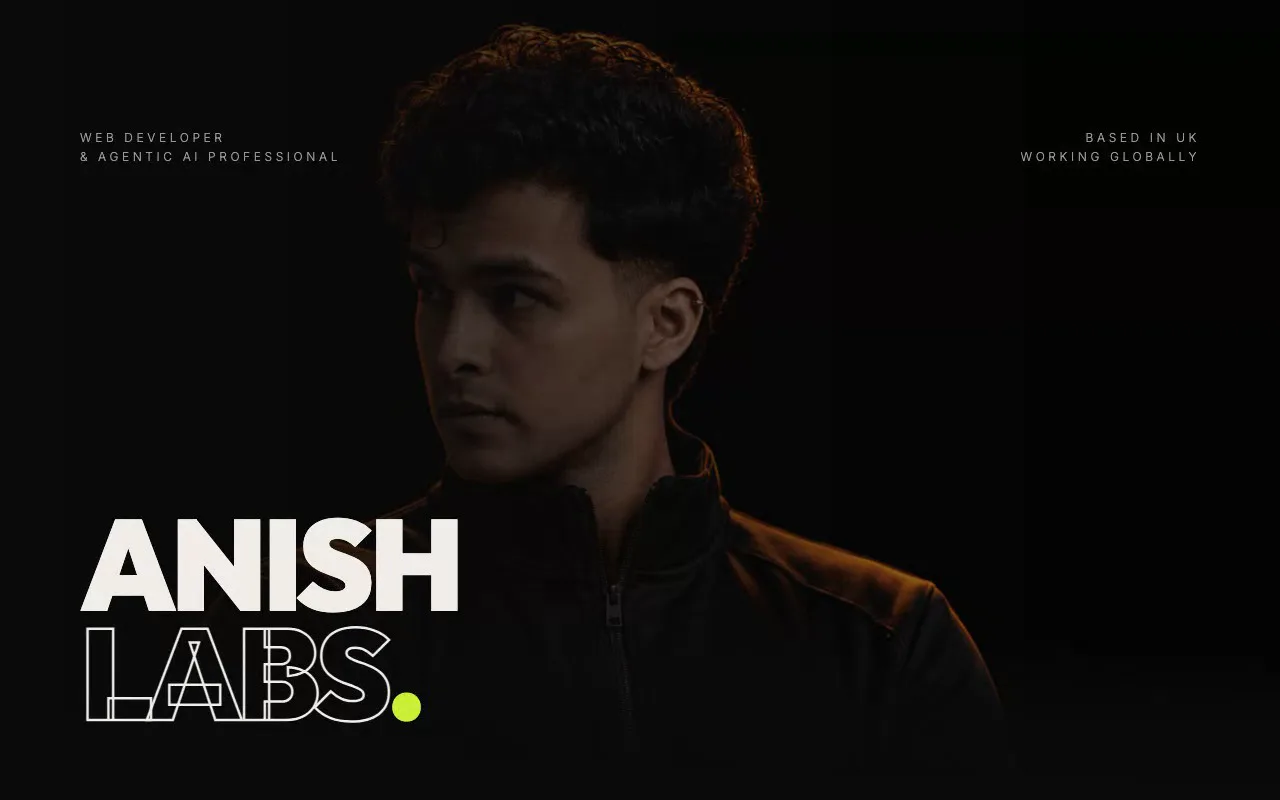
Spotlight Reveal — Cursor-Following Blob Mask
A hero portrait with a soft, breathing cursor glow that reveals a second version of the same photo underneath — no hard edges.
 Portfolio
Trail Reveal — Liquid Cursor Trail (WebGL2)
A WebGL2 hero where the cursor paints a liquid trail with a crisp noisy edge, revealing a second photo underneath that closes on its own.
The Library — 10 Free Systems
REDSHIFT
Bold, conversion-focused SaaS. Deep navy canvas, coral accent, shadow-heavy cards.
CLEARFRAME
Clean, airy SaaS. White canvas, soft blue accent, minimal borders, maximum clarity.
ORBIT AGENCY
Creative agency. Near-black canvas, electric violet accent, bold typography, zero radius.
VELORA STUDIO
Elegant studio. Warm cream canvas, deep rose accent, serif-heavy, editorial luxury.
ANCHOR PORTFOLIO
Solid, minimal portfolio. Near-white canvas, charcoal accent, grid-focused, serif+sans pairing.
SIGNAL PORTFOLIO
Signal-driven portfolio. Dark canvas, amber accent, developer aesthetic, monospace details.
RUNTIME
Futuristic AI product. Near-black canvas, cyan accent, terminal-inspired, mono-heavy.
NEX INDUSTRIAL
Industrial tech. Dark grey canvas, lime accent, data-dense, monospace-heavy, zero radius.
PRISMA EDITORIAL
Warm editorial. Warm white canvas, terracotta accent, magazine layout, serif-led.
ARCHIVE
Stark archival. Pure white canvas, pure black accent, brutalist typography, zero ornament.
Request access to the extended library with custom systems and variations.
How to use
- 1Pick a design system above. Each one is a complete visual ruleset — colours, typography, layout, component styles, and rules your agent must follow.
- 2Click Copy Prompt. Paste it at the start of your Claude Code session, or add it to your project's CLAUDE.md file so the system loads automatically on every session.
- 3Build. Every component your agent generates will follow that system — buttons, cards, inputs, colours, spacing, typography. One paste. Consistent output.
Want more resources?
Explore other prompts, setups, and tools in the AI Refinery.
Browse all resources